Learn TraderFlow faster.
Everything you need to get set up, manage positions, journal trades, share performance, and connect your broker with confidence.
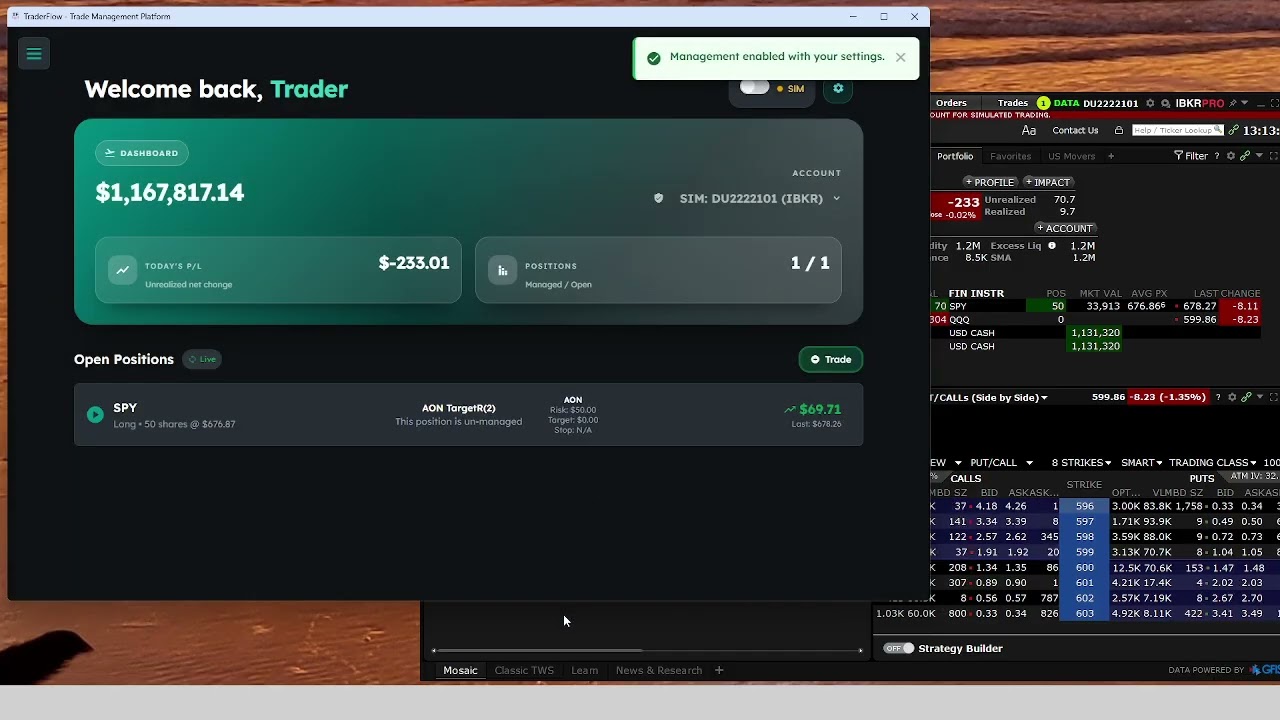
How To Manage a Position “All or Nothing” (AON)
See how TraderFlow takes an unmanaged live position and applies a clean all-or-nothing management strategy using defined risk and reward.
- Apply management in seconds
- Set fixed risk and reward
- Place orders automatically
- Unmanage anytime if needed
What you’ll find here
These tutorials are organized to help users go from setup to daily workflow without confusion.
TraderFlow Tutorials
Click any video below to watch on YouTube. The thumbnails are fully clickable for the cleanest user experience.
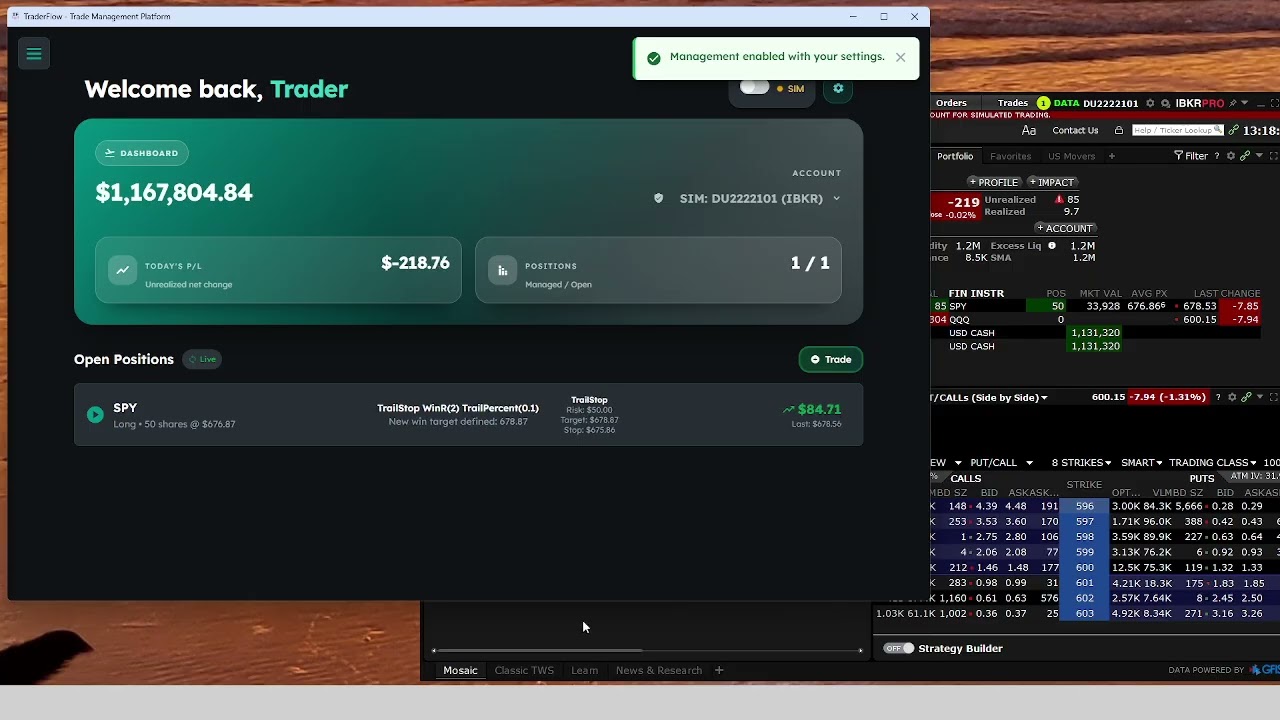
How To Manage a Trailing Stop Position
Learn how to use trailing stop management and the “Win in R Before Management” feature inside TraderFlow.
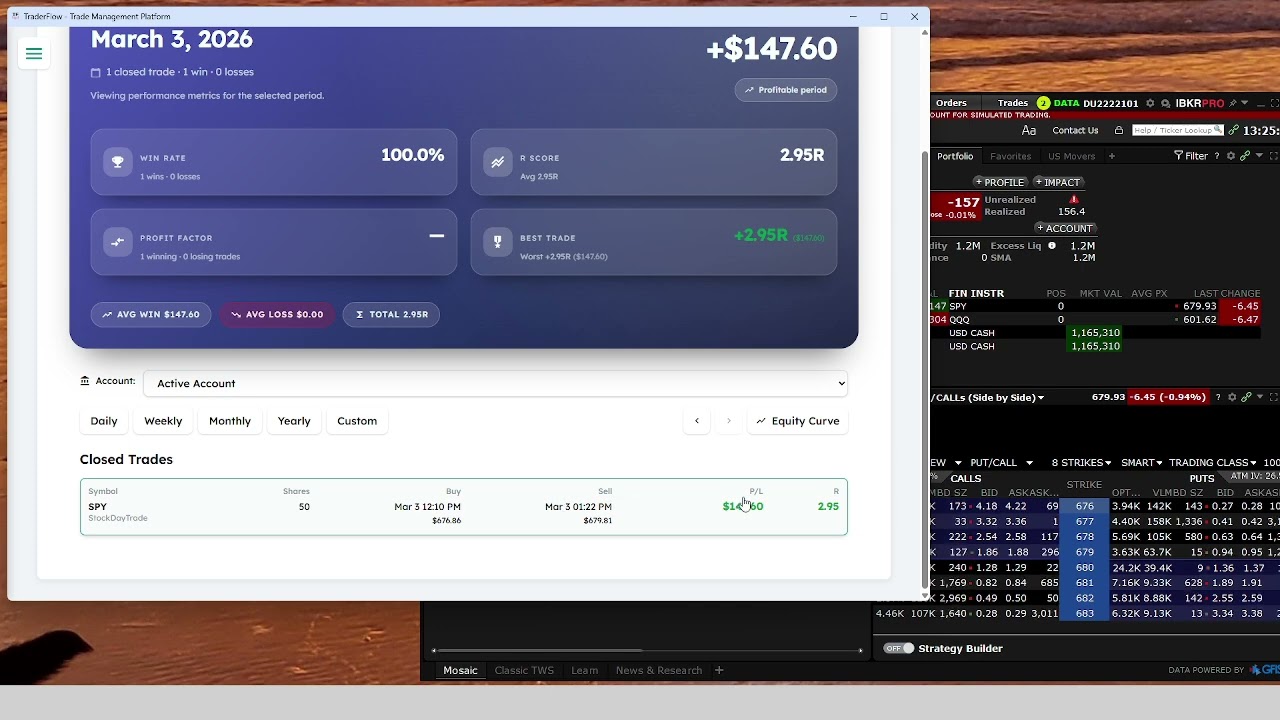
How to See and Share Performance
Review your daily metrics and learn how to download or copy your performance snapshot for sharing.
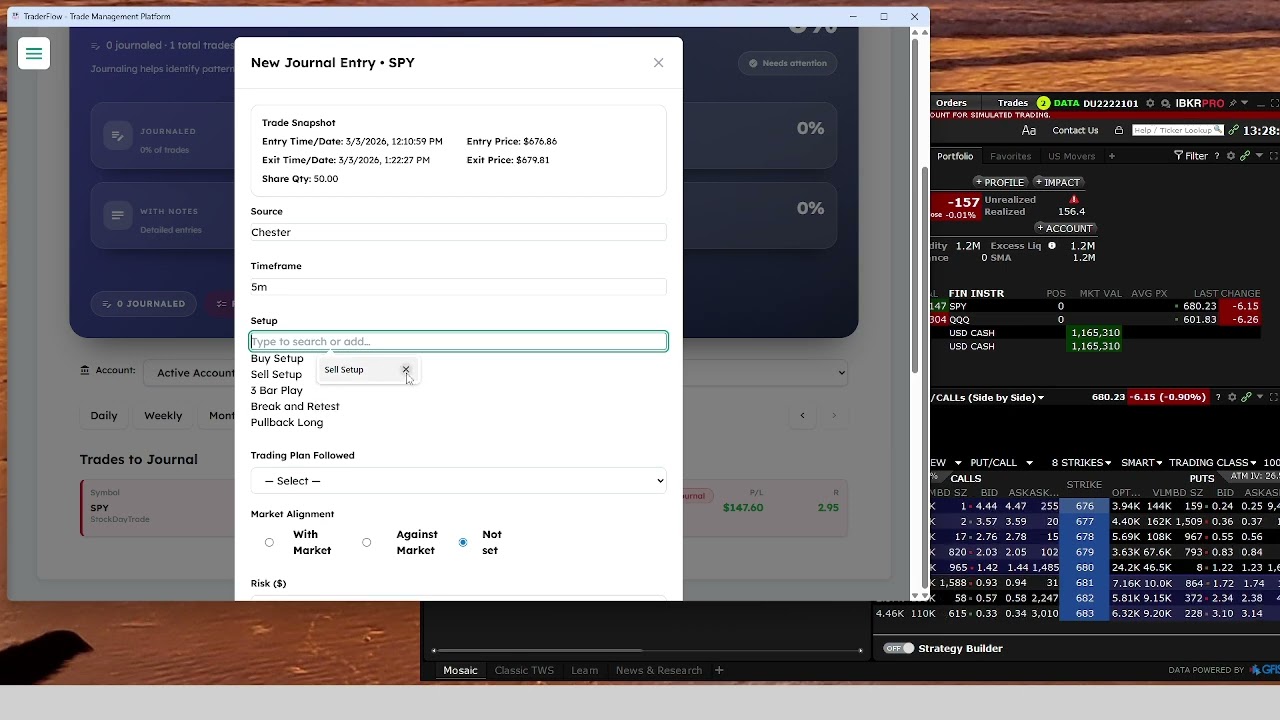
How to Journal a Trade
See how to log trades cleanly inside TraderFlow so your data becomes useful review material.
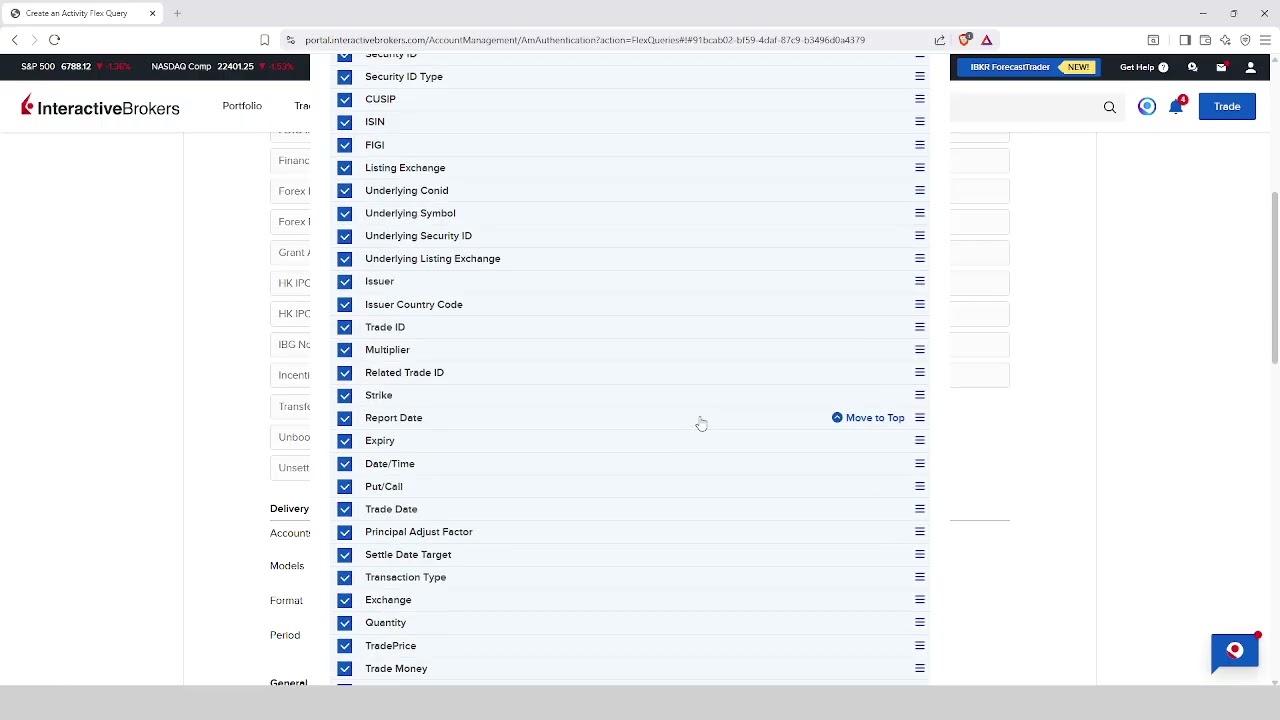
How to Create Flex Query and Token (IBKR)
Set up the Flex Query ID and Flex Token required for Interactive Brokers integration.
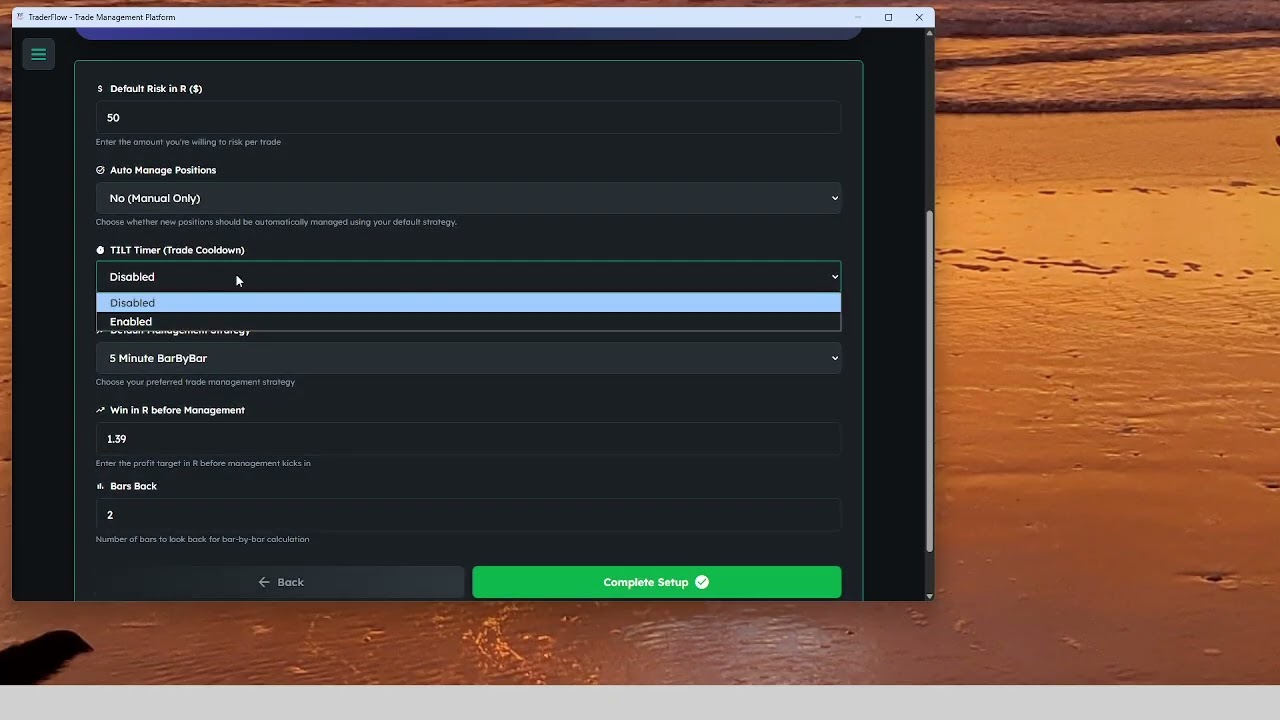
How to Connect IBKR (Interactive Brokers) to TraderFlow
Walk through the core setup needed to connect Interactive Brokers properly inside TraderFlow.
Getting TradeStation API Access for TraderFlow
Learn how to get the API access needed to connect TradeStation with TraderFlow.
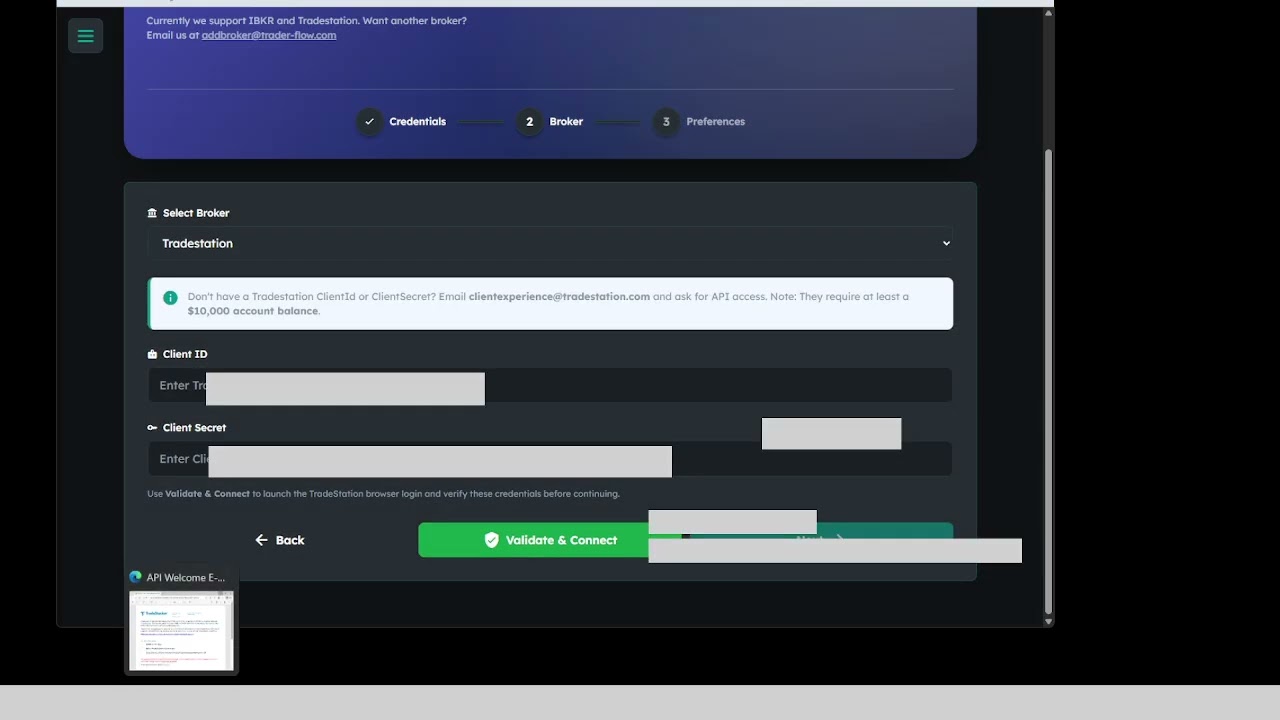
TradeStation Initial Setup (for TraderFlow)
Finish the initial setup steps so your TradeStation connection is ready to work with TraderFlow.
Need help getting started?
Start with the featured tutorial at the top, then move into broker setup and daily workflow videos from there.